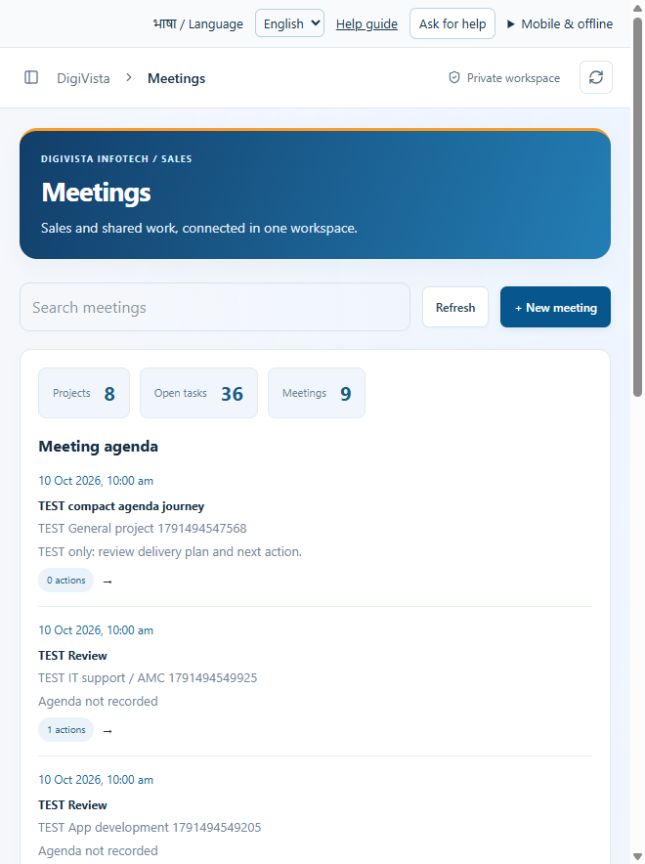
Meetings
Turn a discussion into owned actions.
Open screen guide →New: Data quality, calling, provider uploads and testing notes — step-by-step guide
41 real-screen guides, including master tabs. Numbered arrows, ordered steps and result checks.
Turn a discussion into owned actions.
Open screen guide →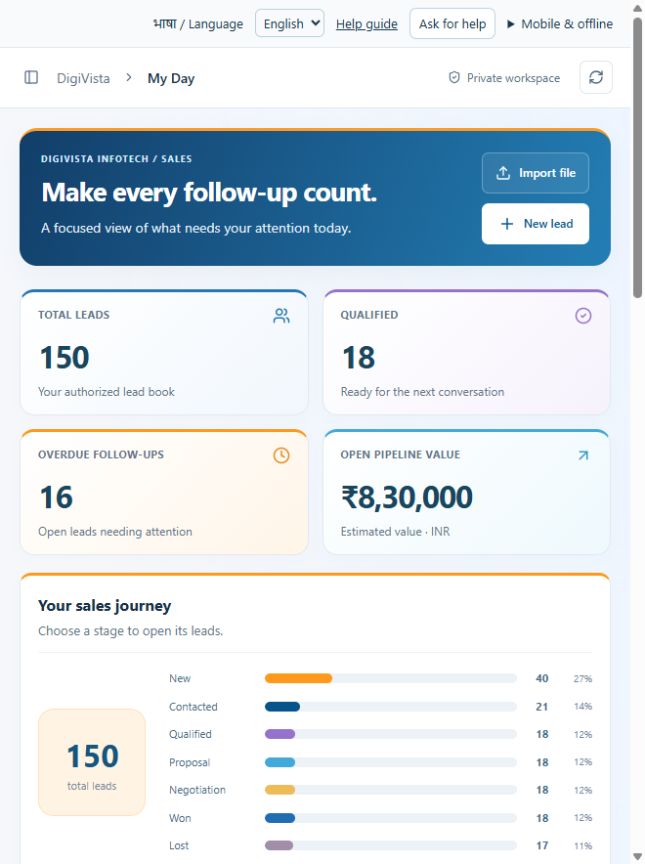
Start with the next action instead of checking every record.
Open screen guide →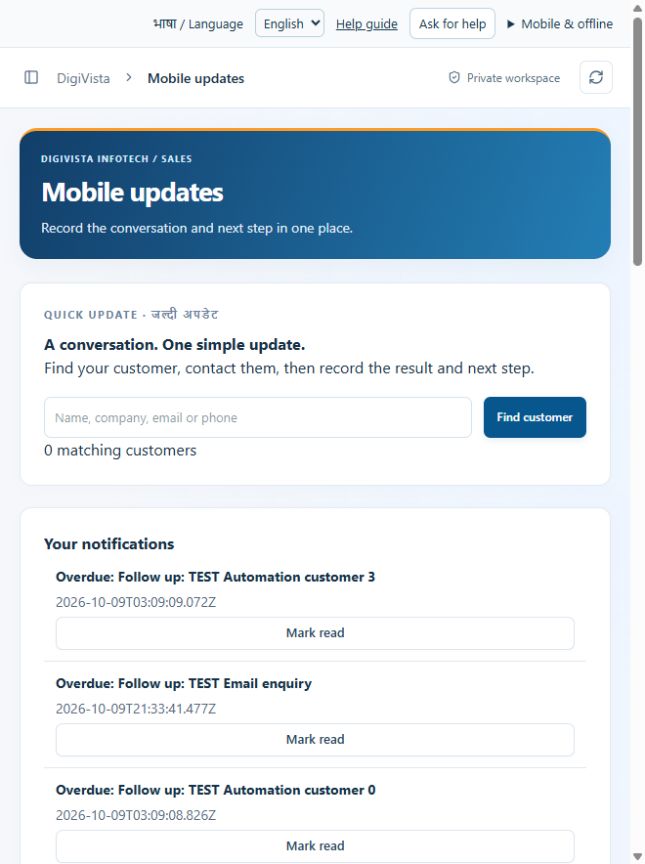
Record the result and next step together from a phone.
Open screen guide →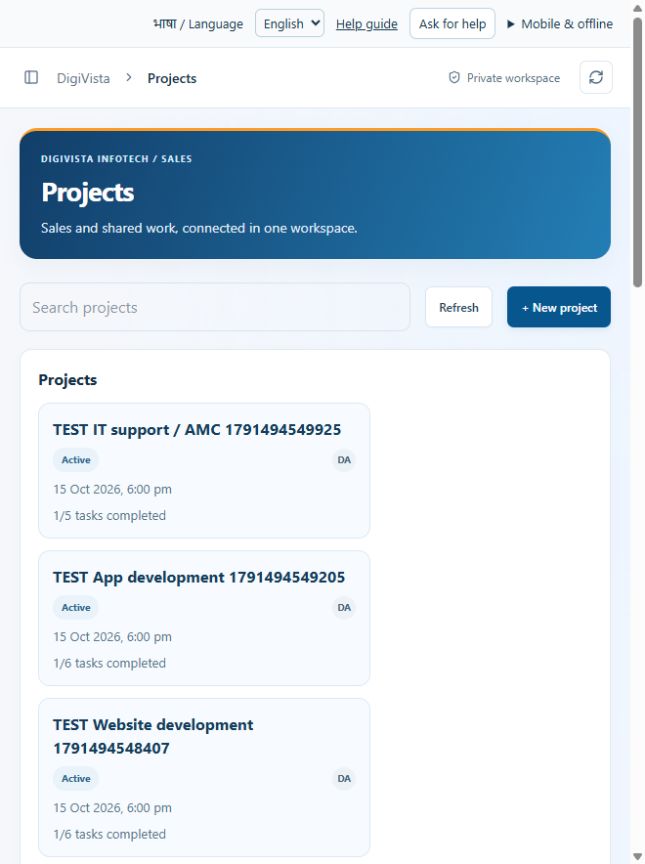
Keep delivery planning, tasks and meetings together.
Open screen guide →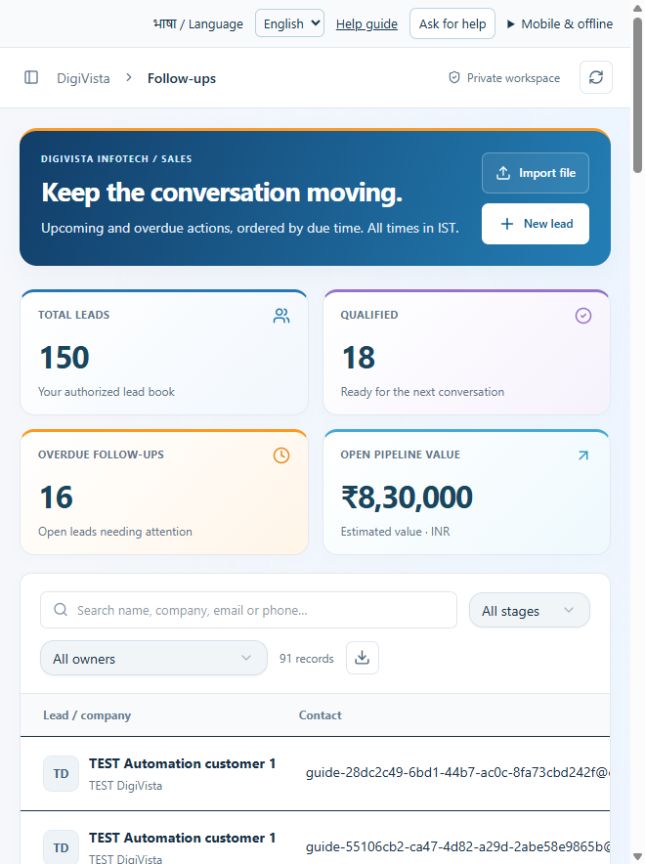
Work in due-date order and reduce missed conversations.
Open screen guide →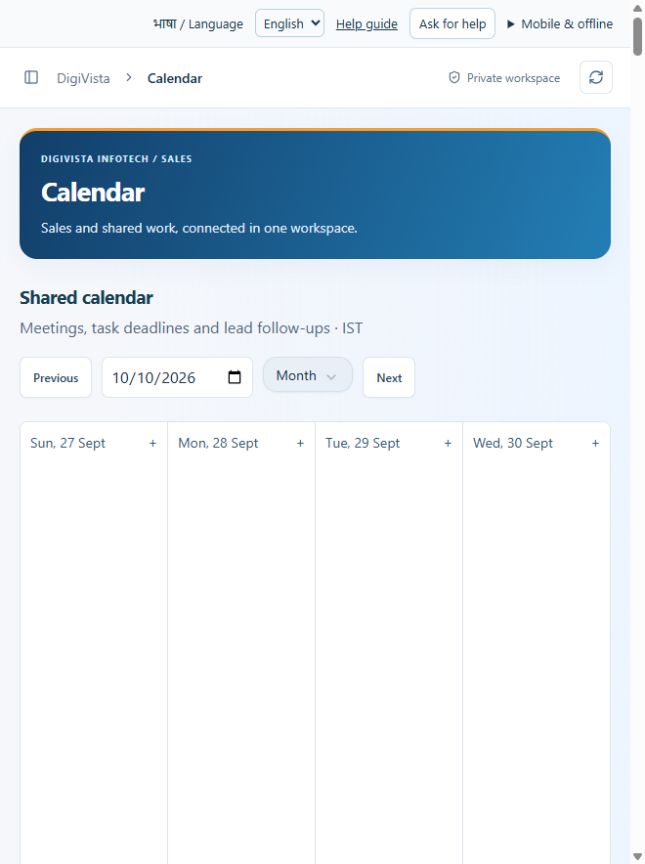
See meetings, deadlines and follow-ups in one schedule.
Open screen guide →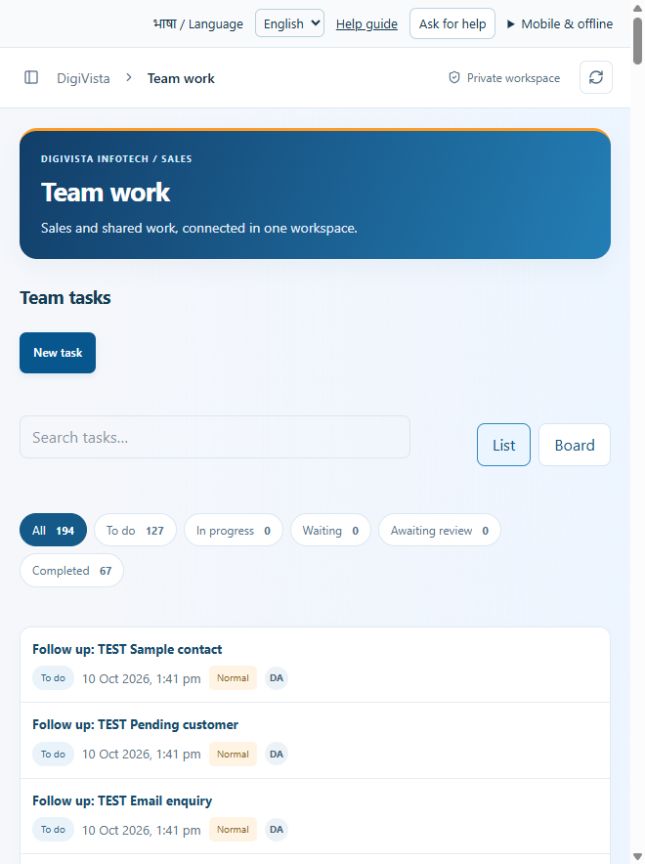
Give each task a clear accountable person.
Open screen guide →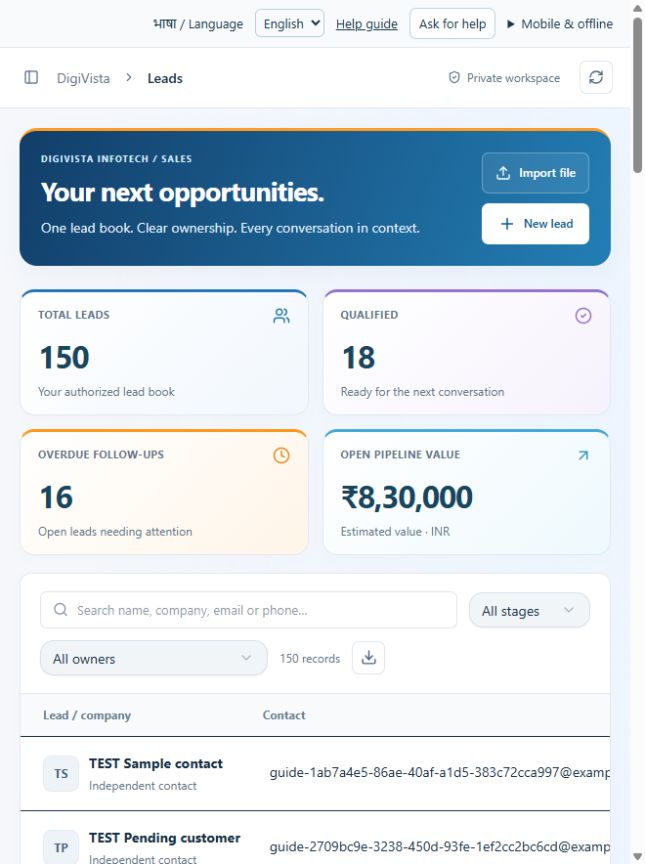
Maintain one searchable lead book.
Open screen guide →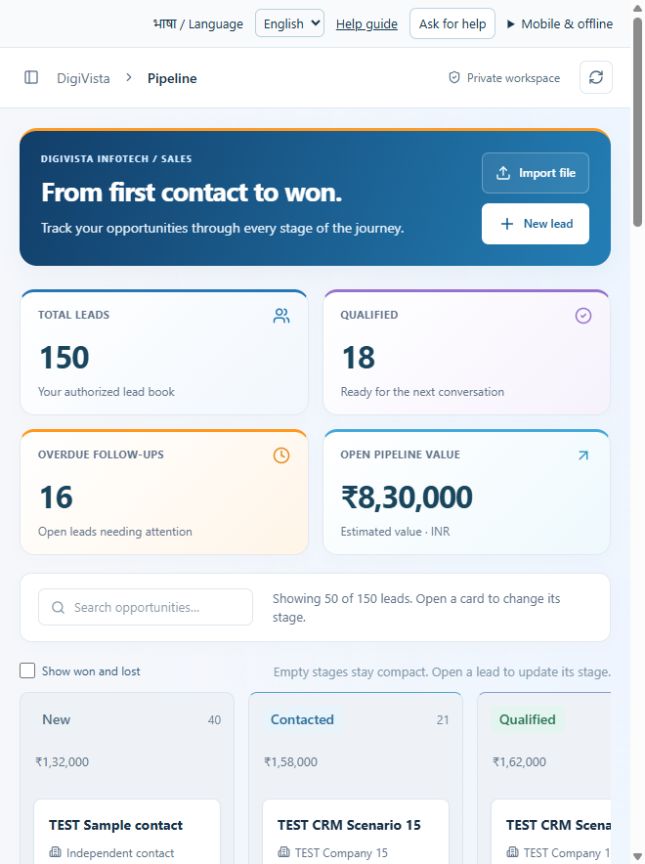
See where conversations are progressing or stuck.
Open screen guide →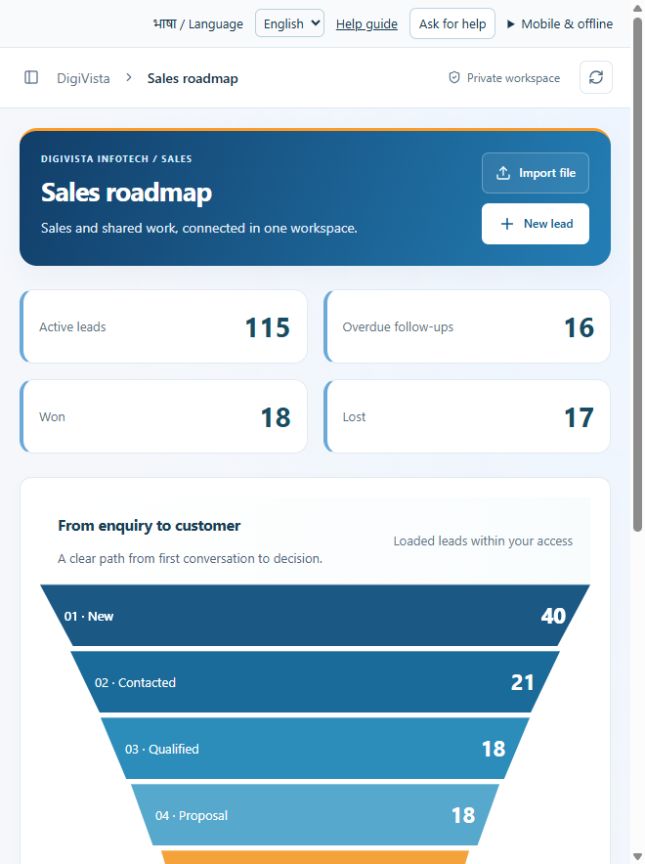
Understand the next step in the sales journey.
Open screen guide →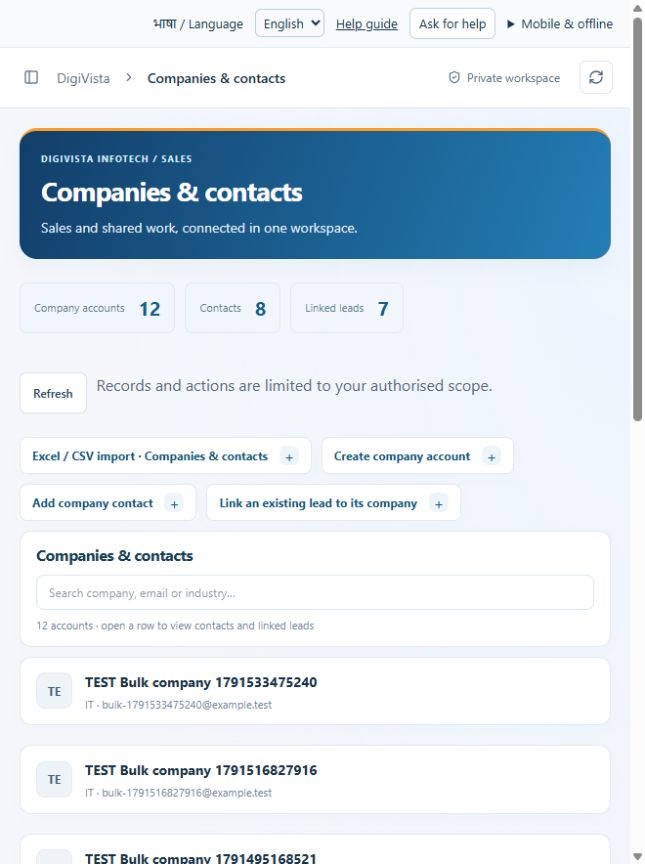
Reuse company and contact details across sales work.
Open screen guide →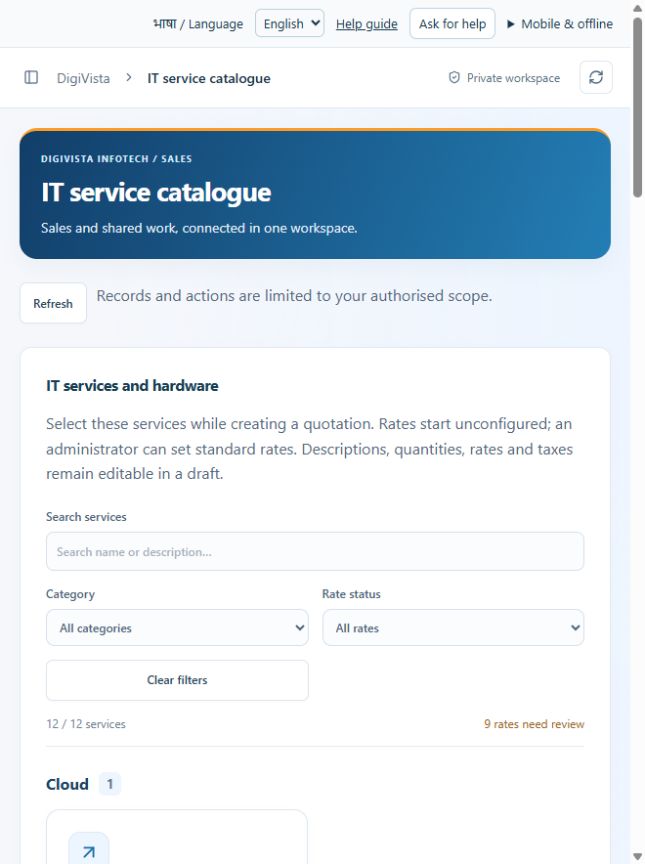
Reuse standard descriptions, rates and service scope.
Open screen guide →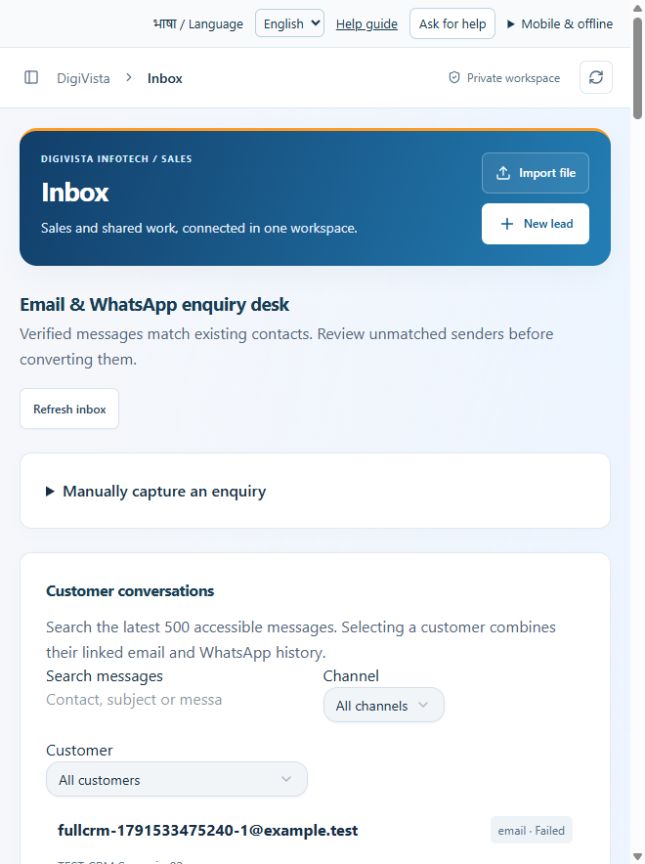
Review incoming enquiries before creating leads.
Open screen guide →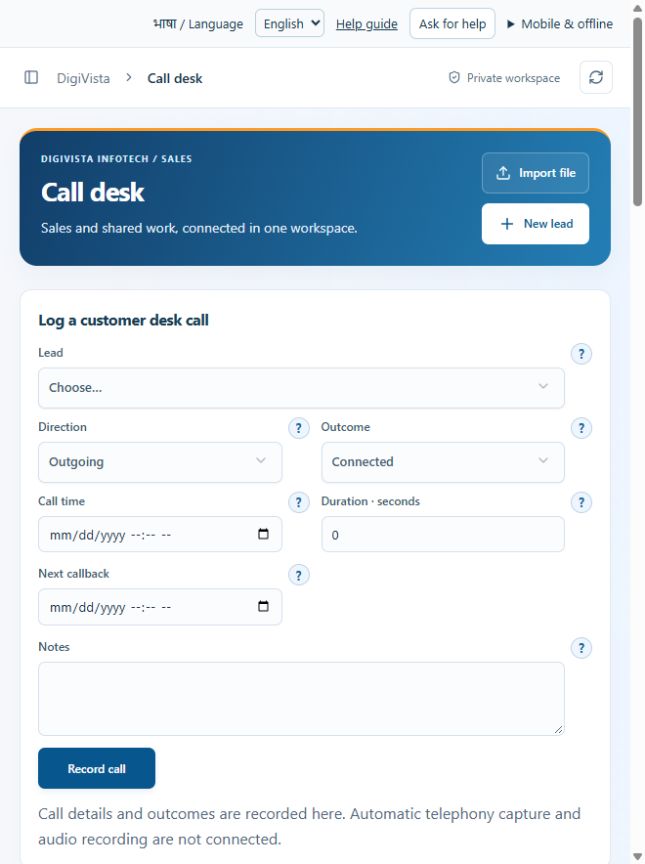
Maintain a reliable recorded conversation history.
Open screen guide →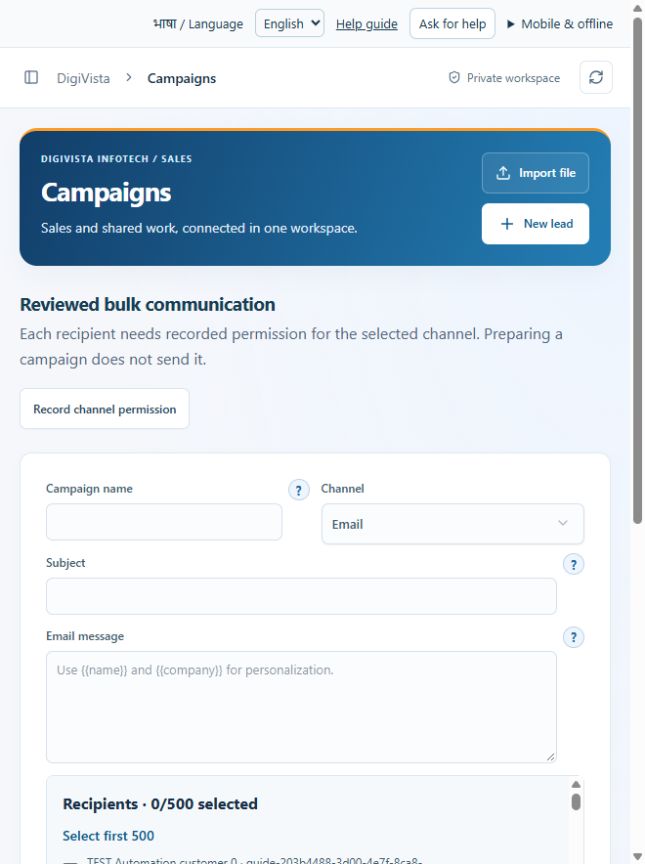
Prepare an audience and message with exclusions reviewed.
Open screen guide →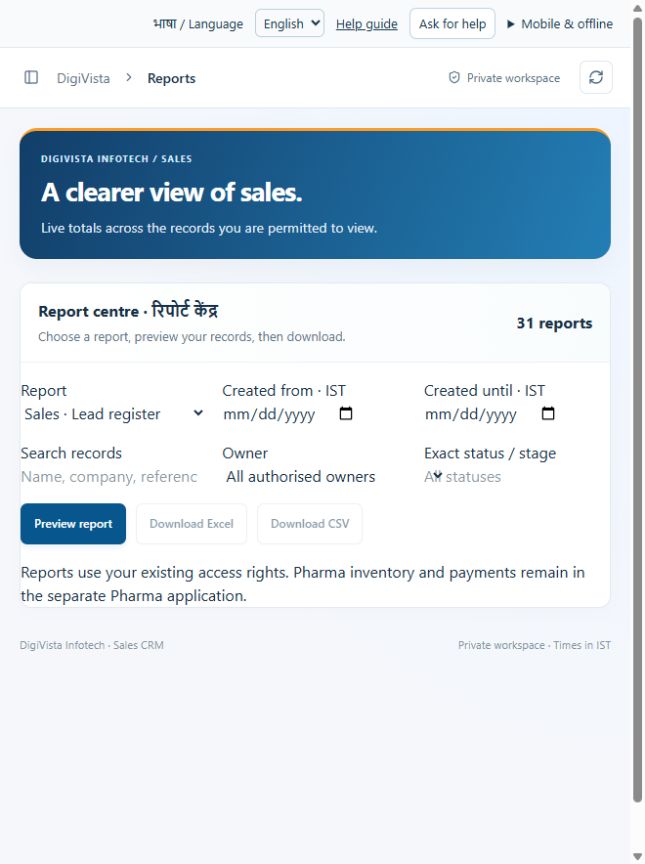
Download a filtered view instead of compiling spreadsheets manually.
Open screen guide →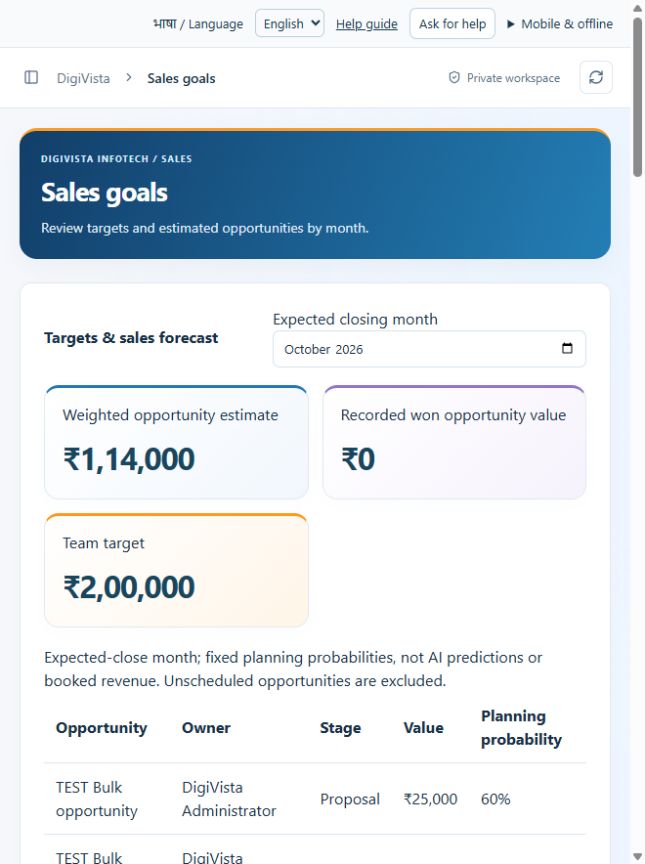
Compare planning targets with weighted opportunities.
Open screen guide →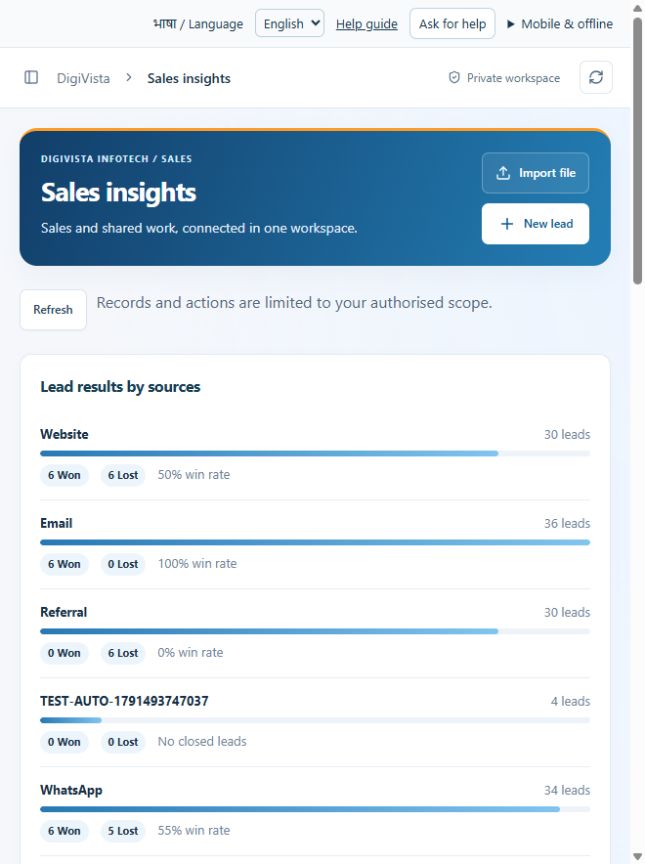
Understand which sources and industries produce results.
Open screen guide →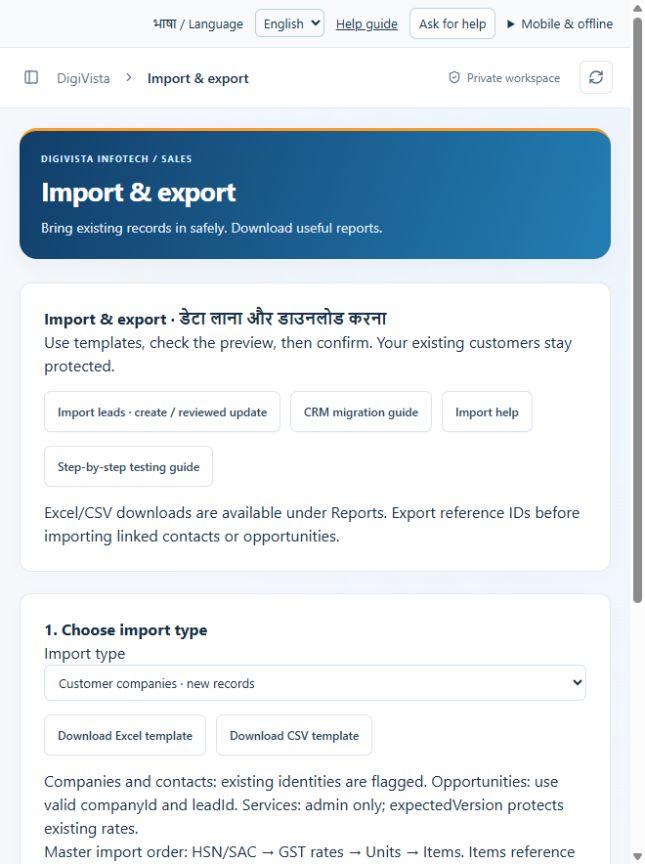
Migrate and update records through a reviewed file.
Open screen guide →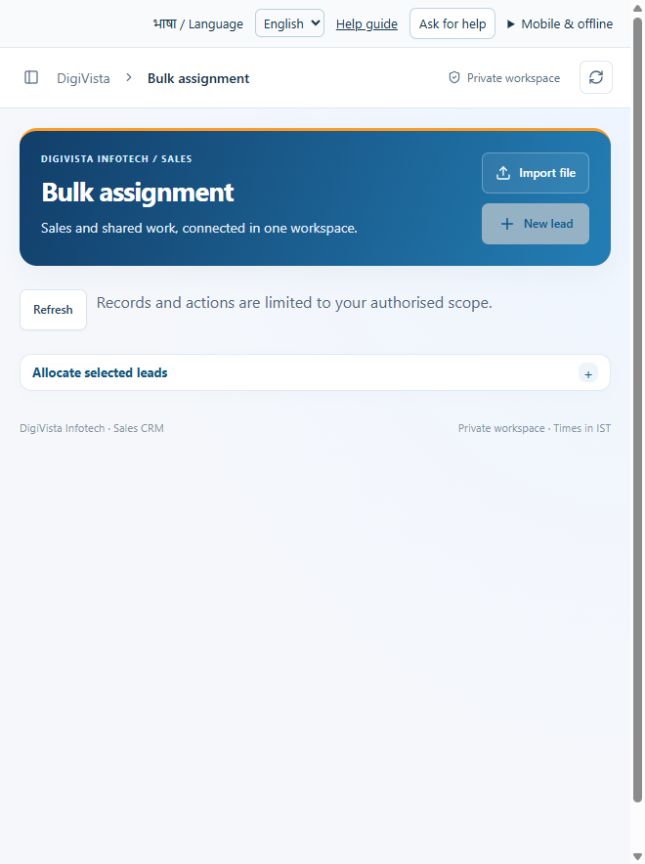
Allocate several leads with one reviewed action.
Open screen guide →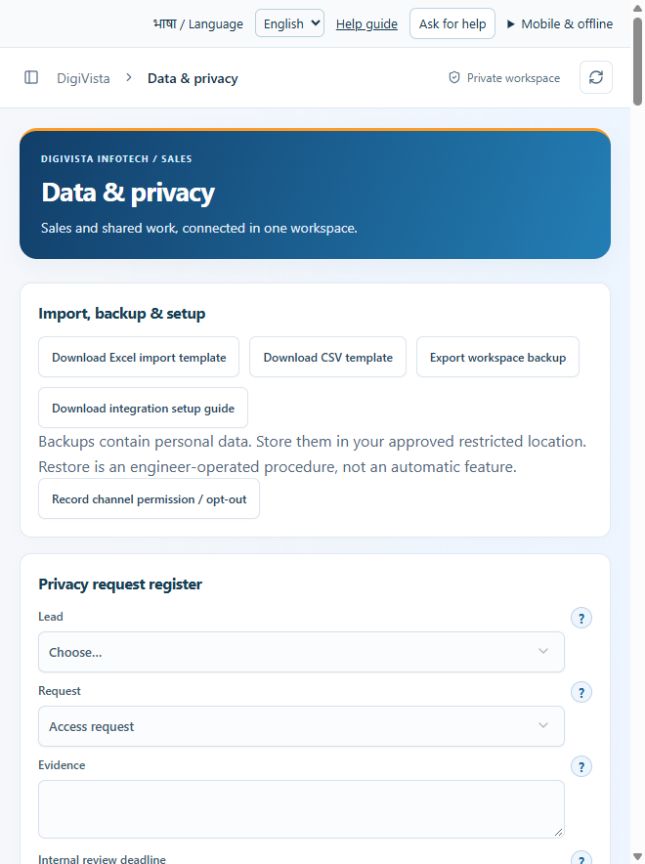
Manage data requests and access with a traceable review.
Open screen guide →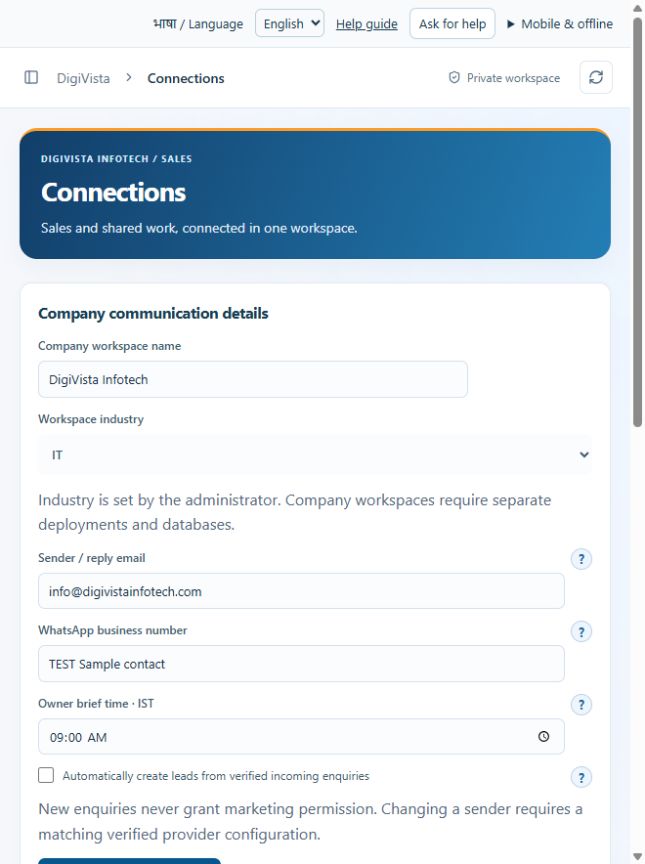
Distinguish company details from active provider connections.
Open screen guide →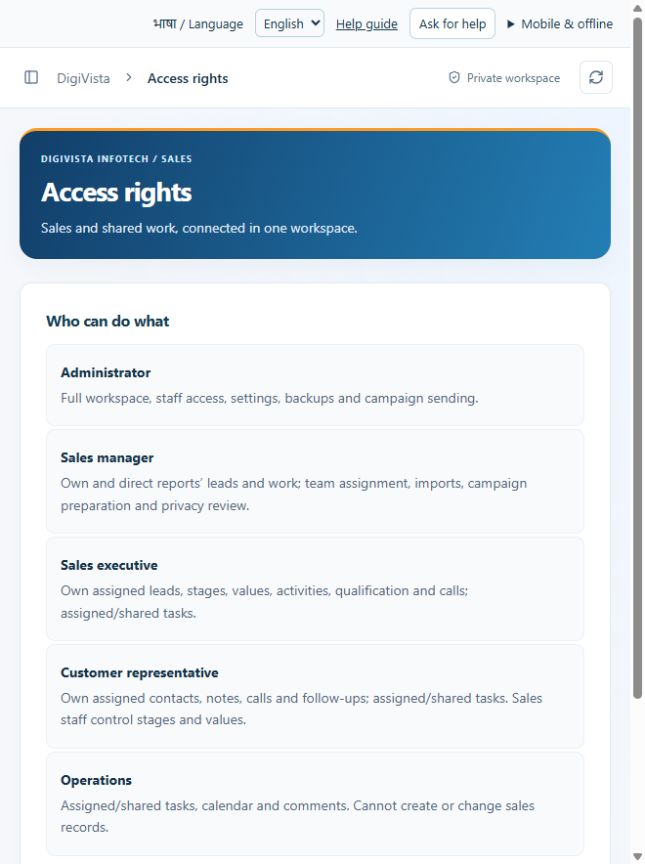
Know which role can perform each activity.
Open screen guide →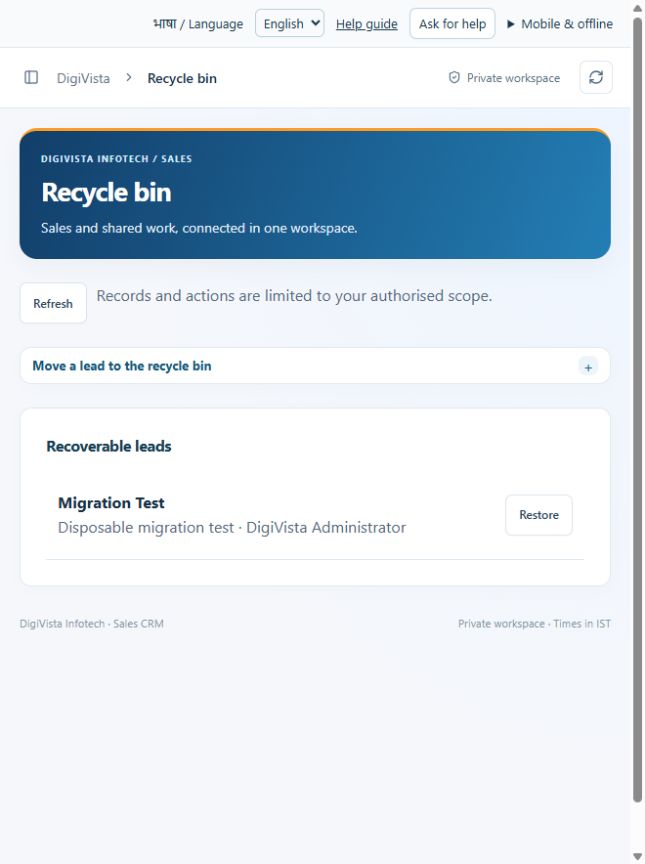
Recover supported leads after a reviewed removal.
Open screen guide →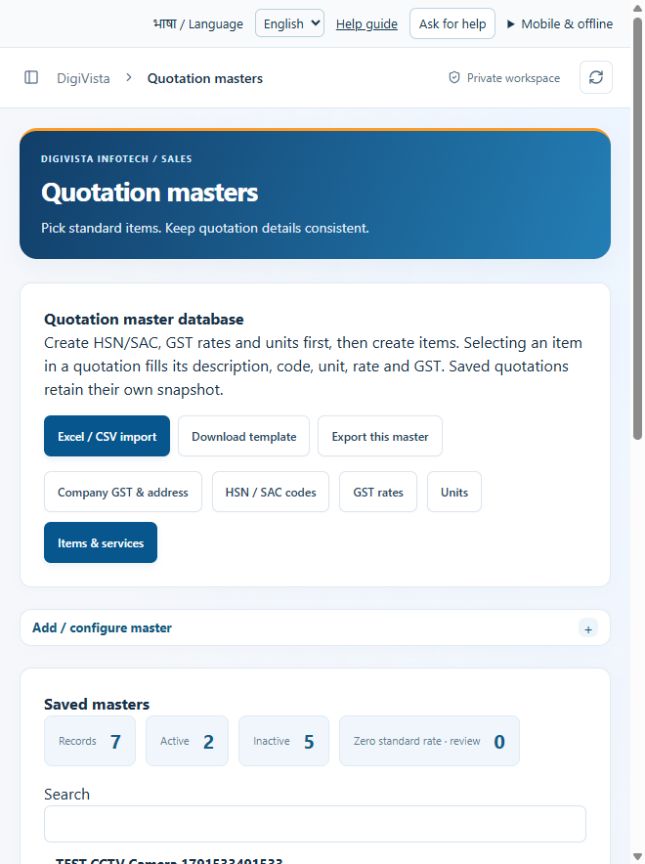
Maintain standard quotation data in a single place.
Open screen guide →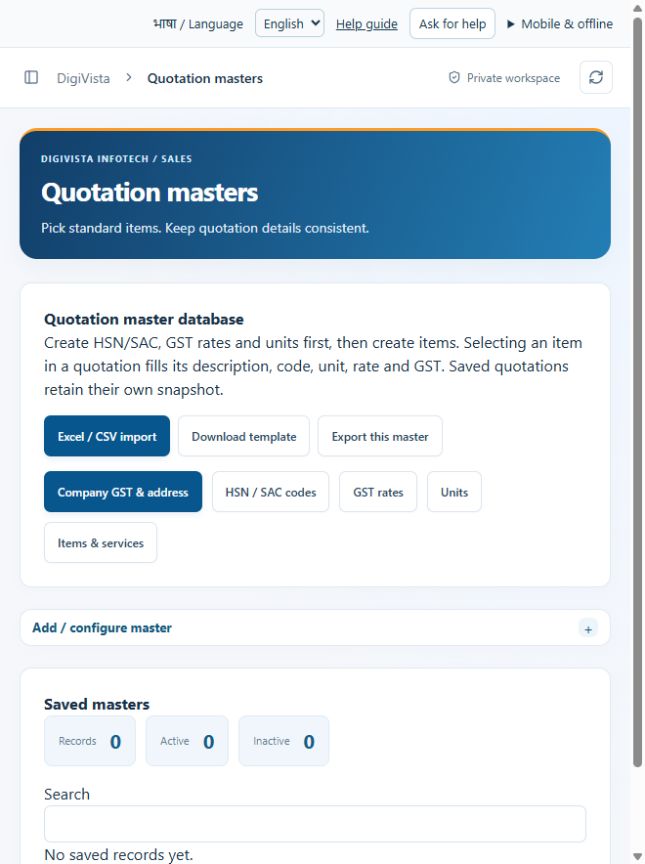
Reuse the correct seller identity on quotations.
Open screen guide →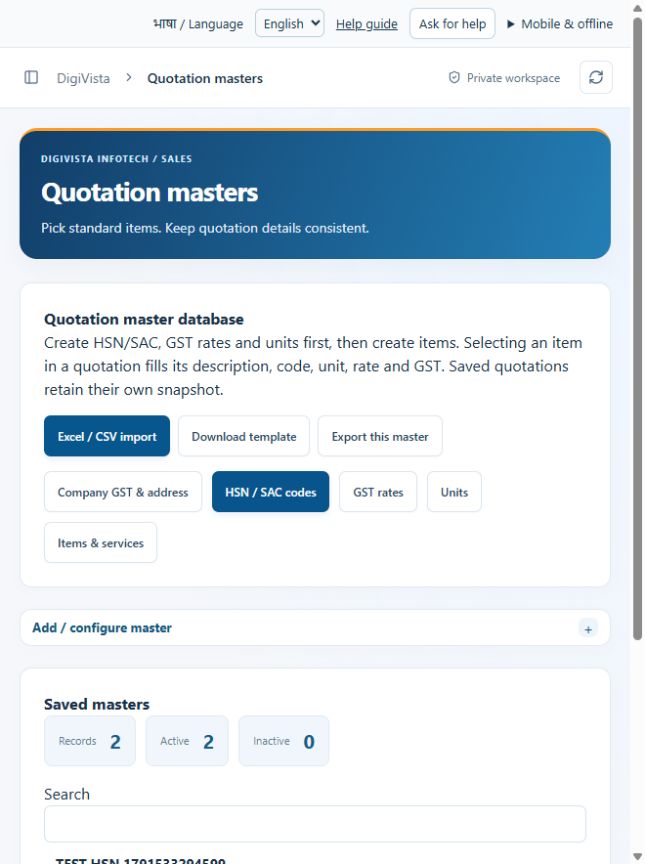
Select a configured goods/service code rather than retyping it.
Open screen guide →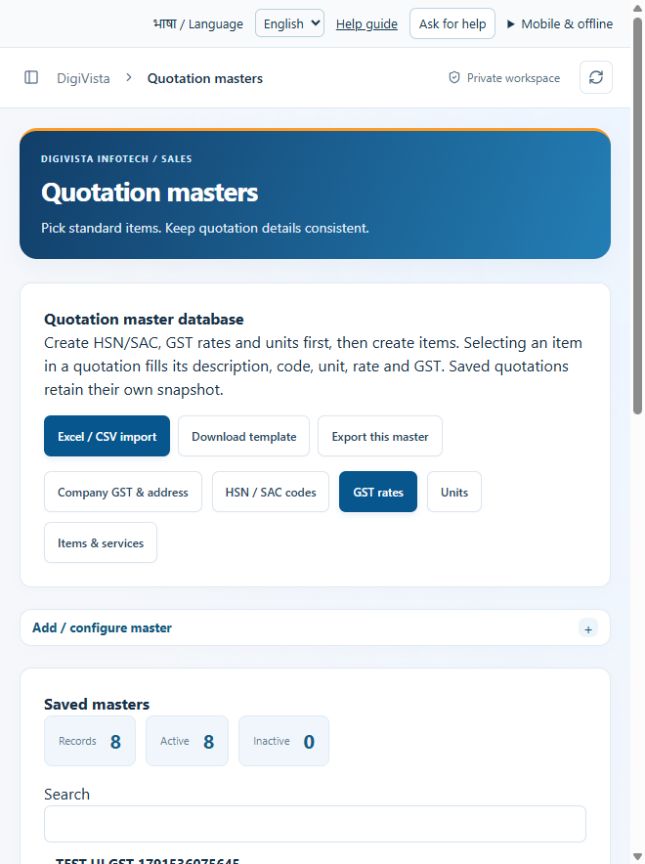
Keep item tax selections consistent.
Open screen guide →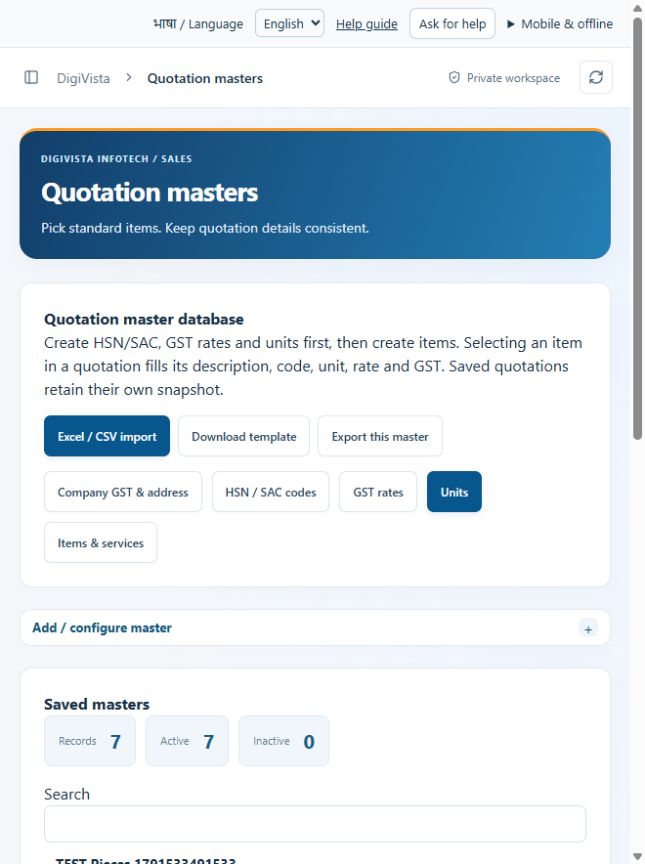
Use consistent quantity units on commercial documents.
Open screen guide →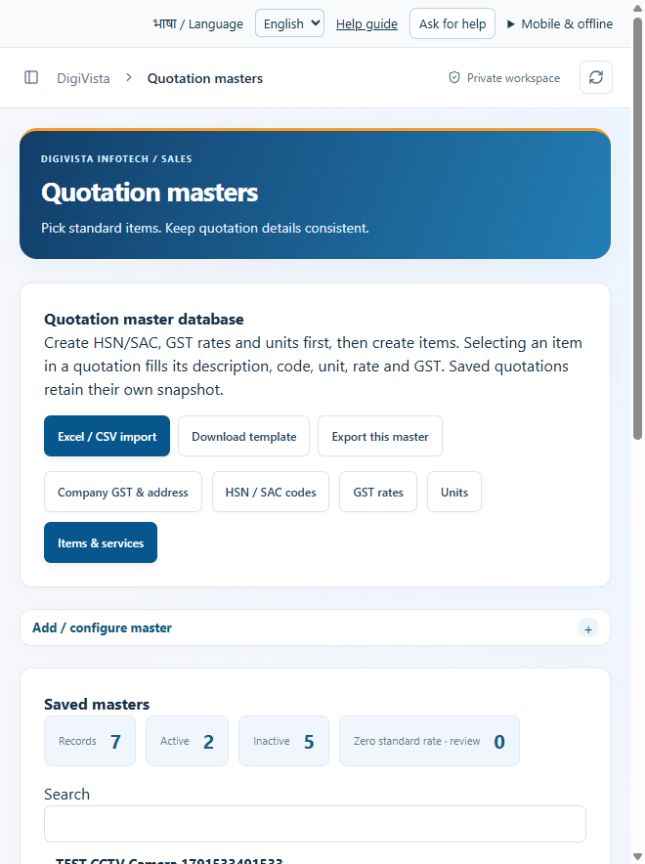
Fill quotation line details from the item database.
Open screen guide →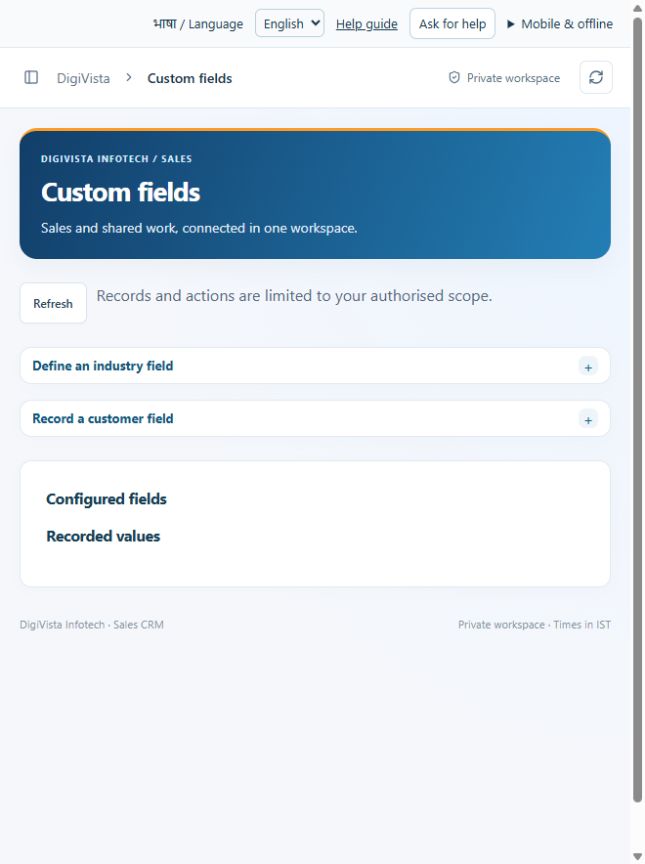
Keep industry details out of the basic lead form.
Open screen guide →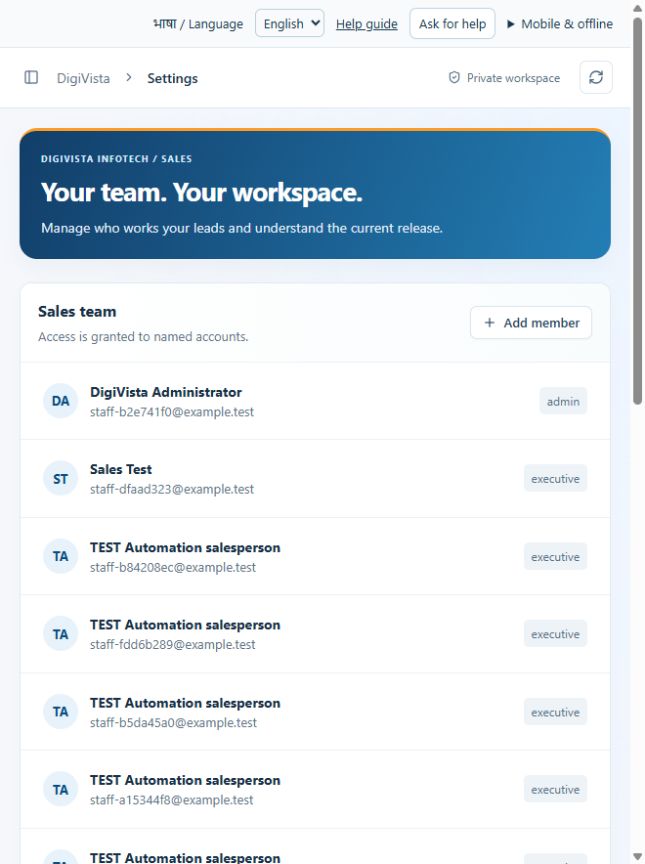
Maintain a named staff roster with appropriate roles.
Open screen guide →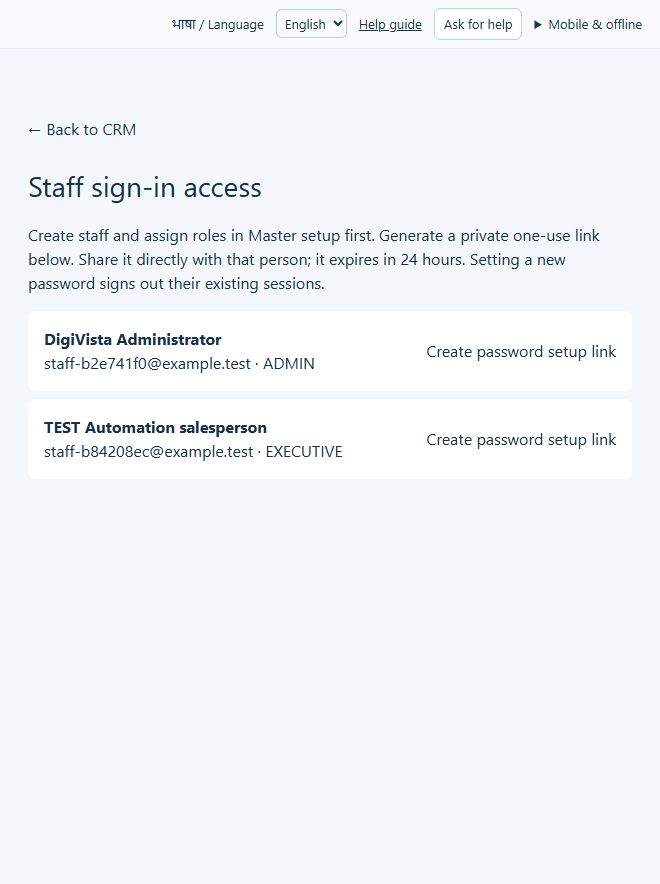
Give approved staff a private password-setup route.
Open screen guide →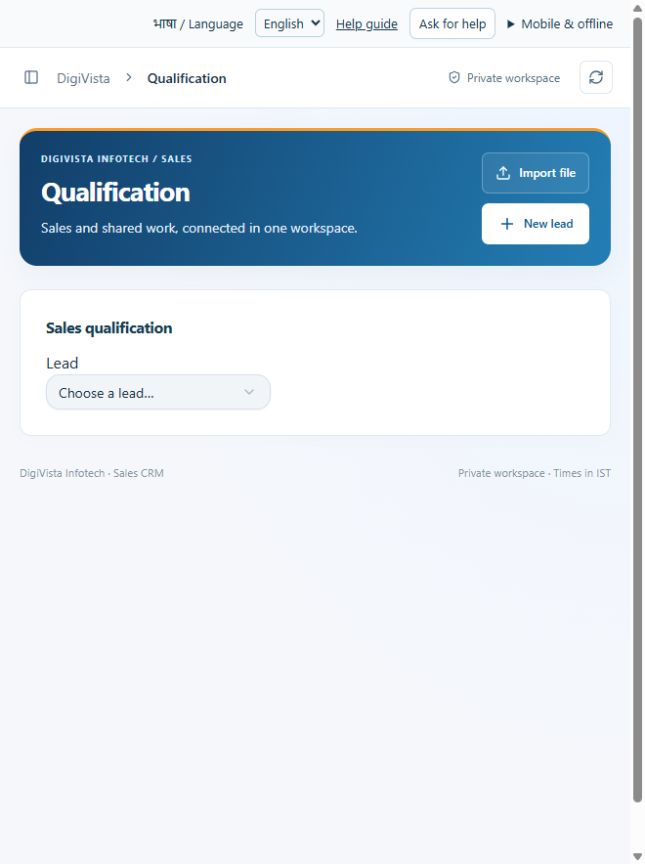
Keep requirements and commercial context before quoting.
Open screen guide →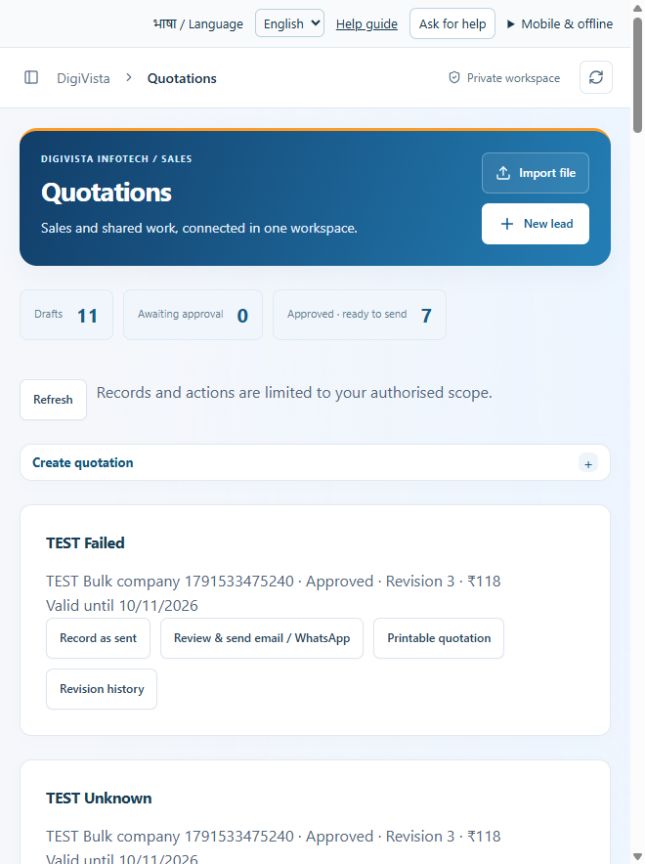
Create a consistent quotation using saved masters.
Open screen guide →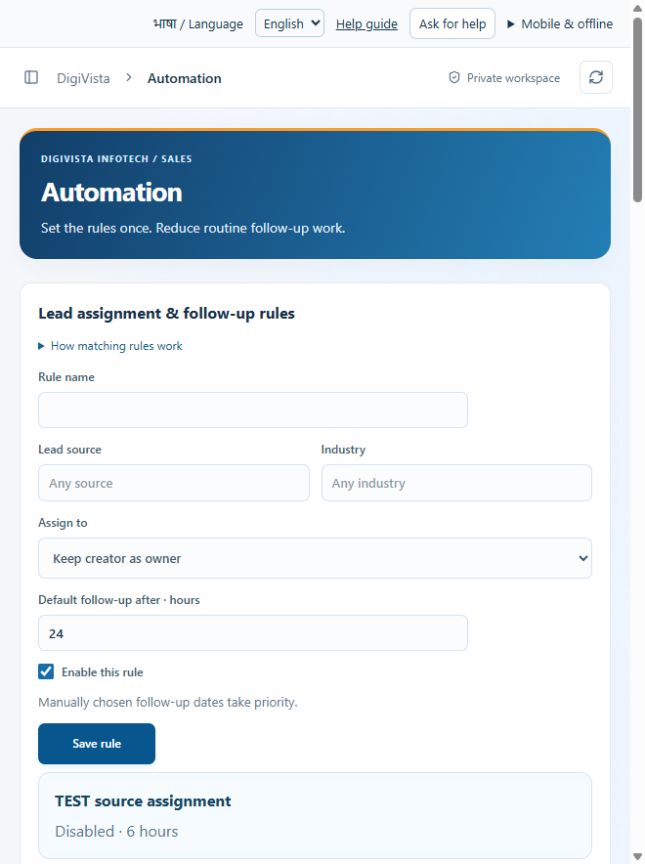
Reduce repeated assignment and reminder work.
Open screen guide →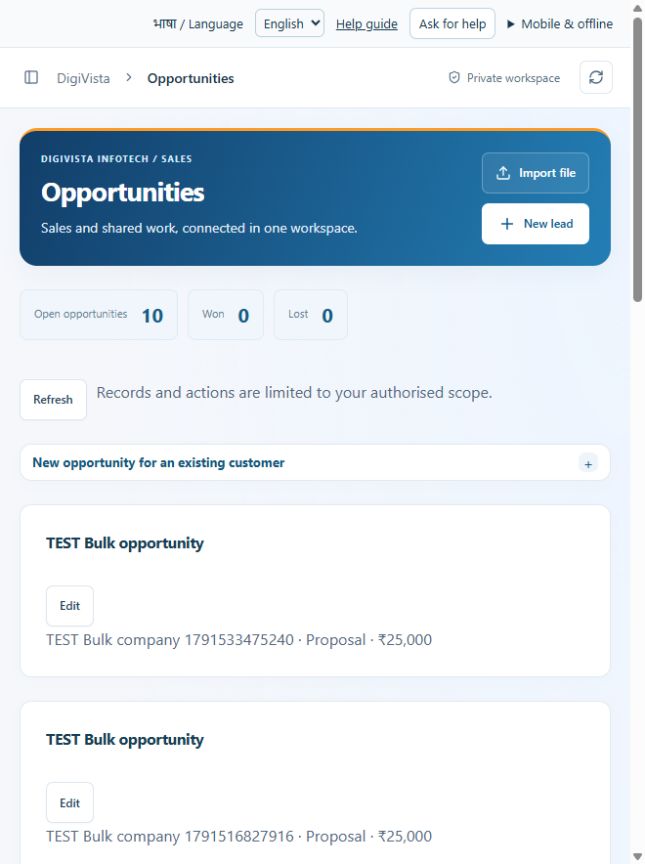
Record repeat business without duplicating the customer.
Open screen guide →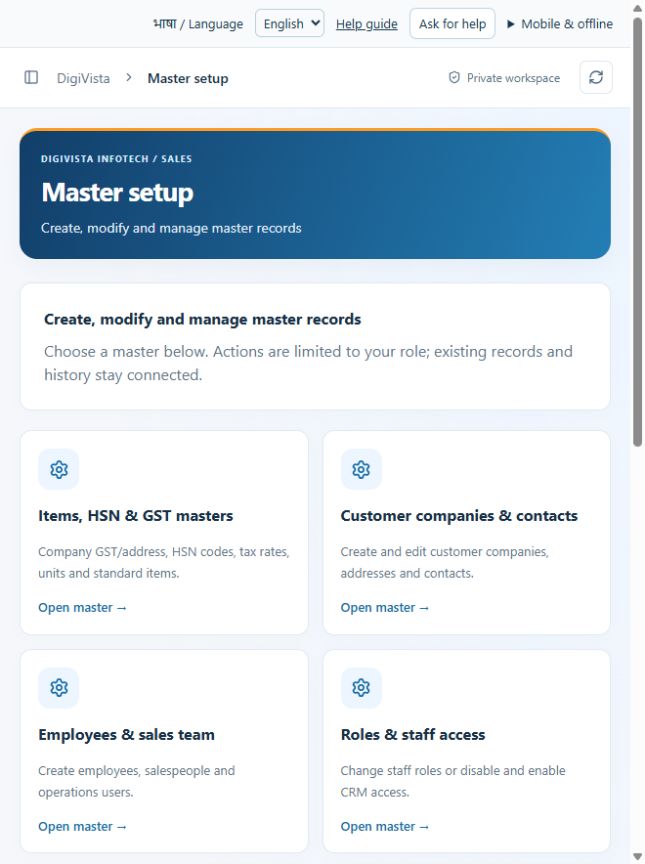
Find every master configuration from one hub.
Open screen guide →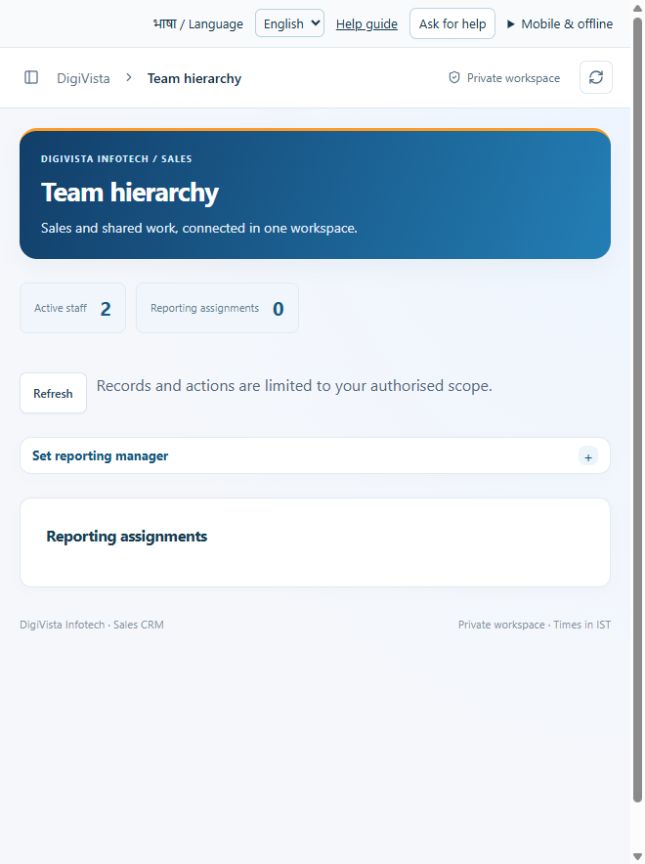
Give managers the intended reporting scope.
Open screen guide →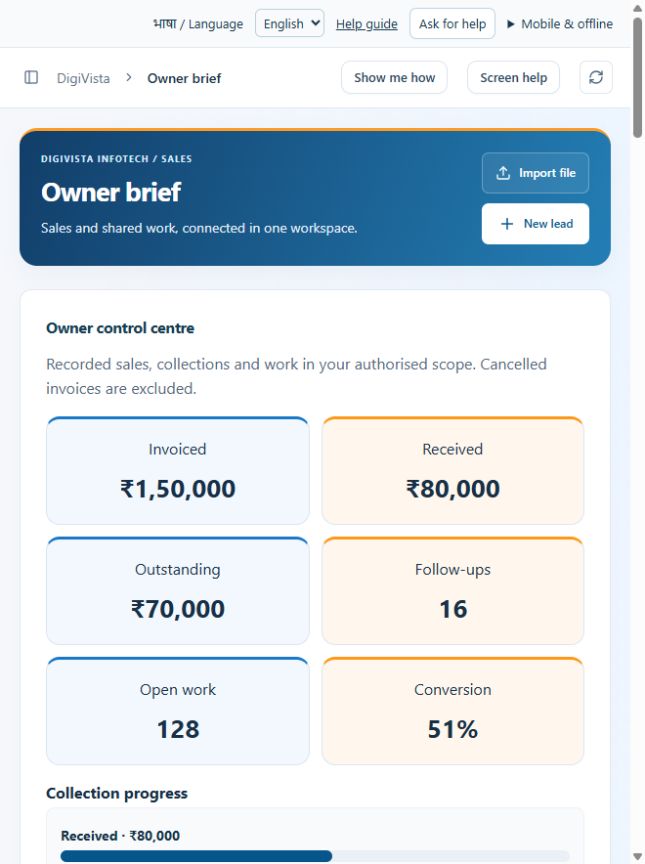
Focus the company review on exceptions needing decisions.
Open screen guide →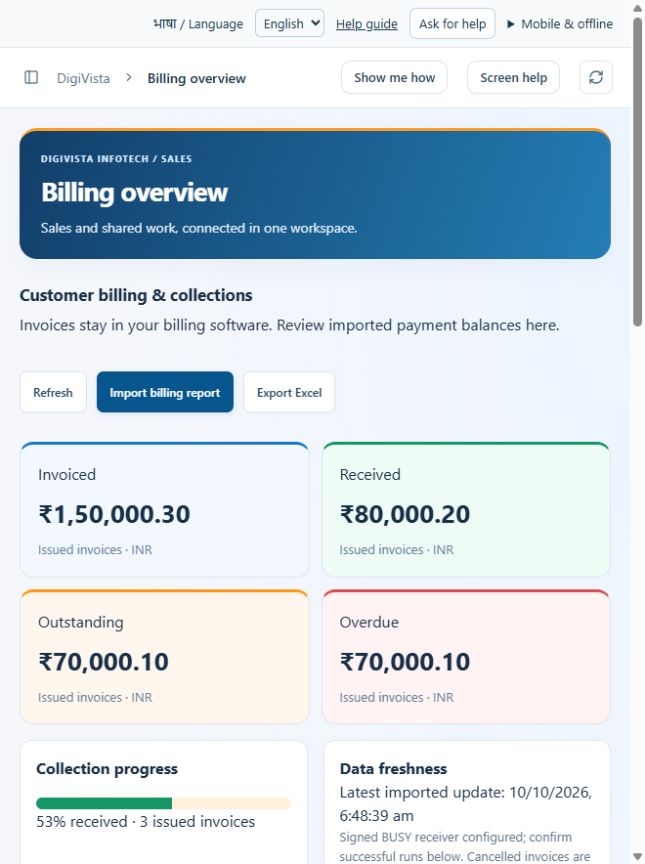
See payment balances without entering invoices twice.
Open screen guide →No matching screen. Try its sidebar name.